
🚀 The Day Power BI Stopped Refreshing — and What It Taught Me About Data Scalability
For the past two years, I tracked my income and expenses using Power BI connected directly to Google Sheets. It started as a simple personal project — just a digital ledger that helped me see where my money went each month.
But as the months rolled by and the rows piled up, things started to break.
🧾 The Frustration: “Too Many Requests”
One day, I opened my Power BI report, did a manual refresh, and was greeted with an error I’d never seen before:
“Data refresh failed: 429 — Too Many Requests.”
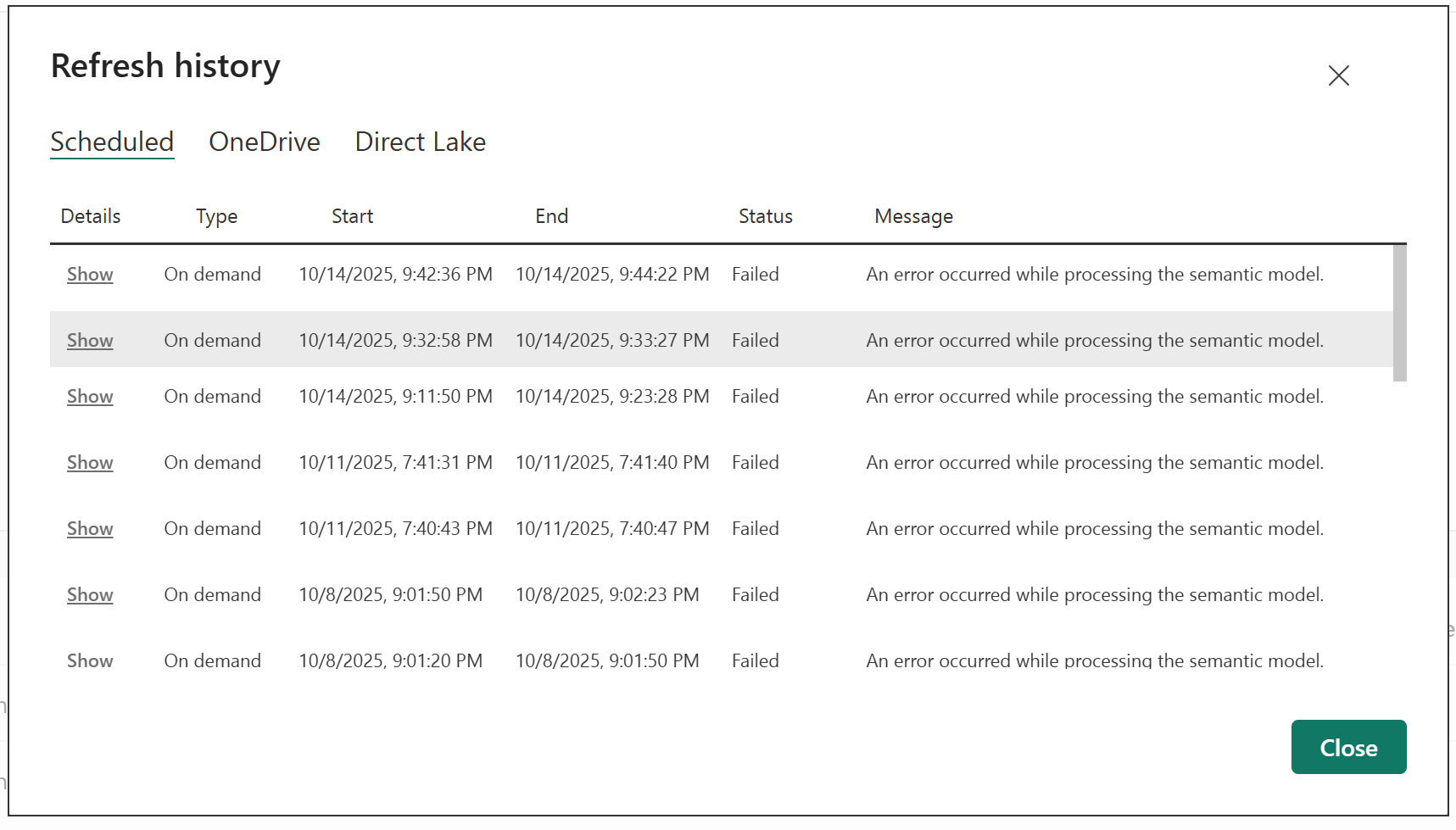
At first, I thought it was temporary. But after a few retries, it became clear — Google’s data API was limiting how often Power BI could pull updates from my growing spreadsheet.
That was the breaking point. My once-lightweight tracker had grown too big for its simple setup.
💡 The Decision to Rebuild
I realized I needed something more reliable — something that could handle years of financial data without complaining.
That’s when I decided to move my personal finance dashboard to Databricks — a powerful data platform I’d mostly used for work, not personal life. But why not? If companies can run entire analytics systems on it, surely it could handle my spending habits.
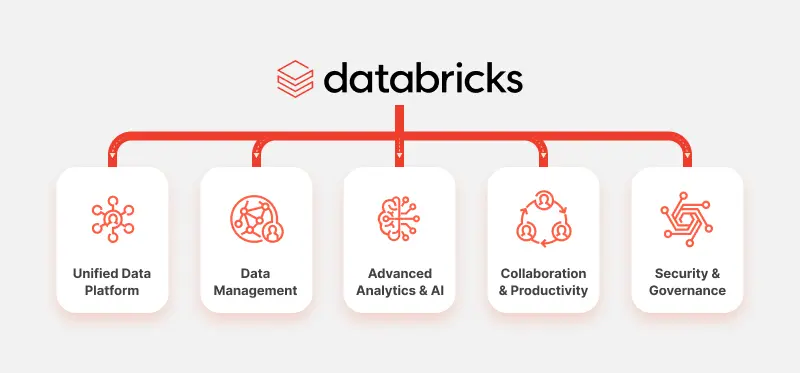
Source: https://www.techfabric.com/blog/what-every-cto-needs-to-know-about-databricks
🧱 Rebuilding the Foundation
The migration took about two weeks — not because it was difficult, but because I wanted to do it properly.
Instead of manually exporting data, I built a scheduled Databricks notebook to copy my entire Google Sheet dataset into a Databricks Volume everyday.
Once the data was in the volume, another notebook dedicated to data cleaning will run — fixing inconsistent categories, empty cells, and old formatting quirks. I used to rely on Power BI to do all this cleanup during refresh, but now Databricks handles it automatically before the data even reaches my dashboard.
That shift alone made the whole process faster, cleaner, and far easier to maintain.
📊 Connecting Back to Power BI
The magic moment came when I reconnected Power BI — this time, not to a Google Sheet, but directly to my Databricks workspace.
The reports looked identical to before: income trends, spending by category, monthly summaries. But now, every refresh worked flawlessly.
No more 429 errors.
No more waiting for Sheets to load.
Just smooth, reliable updates.
⚡ A Personal Data Warehouse
Moving to Databricks didn’t just fix a problem — it opened up new possibilities. I could now:
Store years of transactions without worrying about limits
Add new data sources (like bank exports or digital wallet reports)
Run quick summaries using SQL anytime I wanted insights
What started as a simple finance tracker had evolved into my own personal data warehouse.
✨ The Takeaway
Sometimes, the tools that work at the beginning of a project aren’t the ones that will sustain it long-term.
If your personal analytics — whether for finances, health, or productivity — start to outgrow simple tools like Sheets, don’t be afraid to level up. You don’t need to be a data engineer to think like one.
Start small, but design with growth in mind.
Today, my financial dashboard runs like a mini enterprise system — all built for one person: me.
#Databricks #PowerBI #GoogleSheets #DataAnalytics #PersonalFinance #DataEngineering #DataVisualization #DataWarehouse #Automation #SelfImprovement #FinancialTracking #Productivity #DataJourney #TechForLife